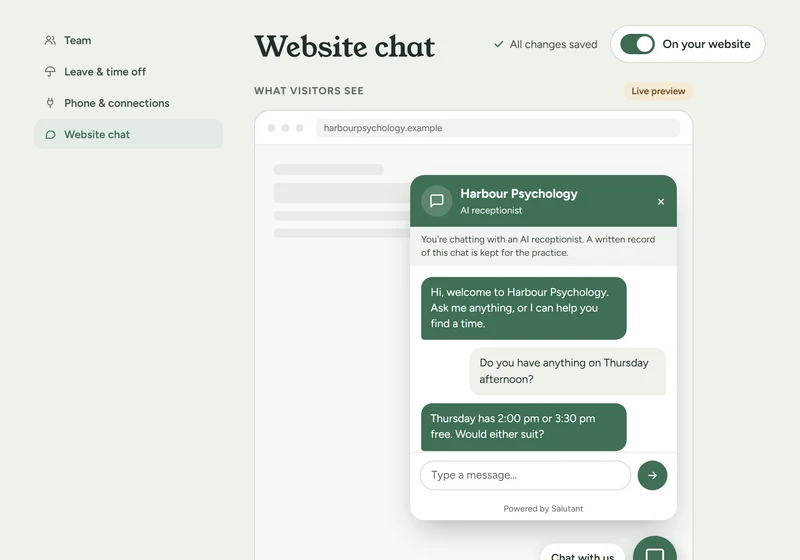
Example · made-up practice Website chat Clients who would rather type can ask questions and request a time on your website.
On a team, it reads each clinician’s diary, the same way the phone does. You choose whether it takes booking requests, under Practice › Website chat. See how it works
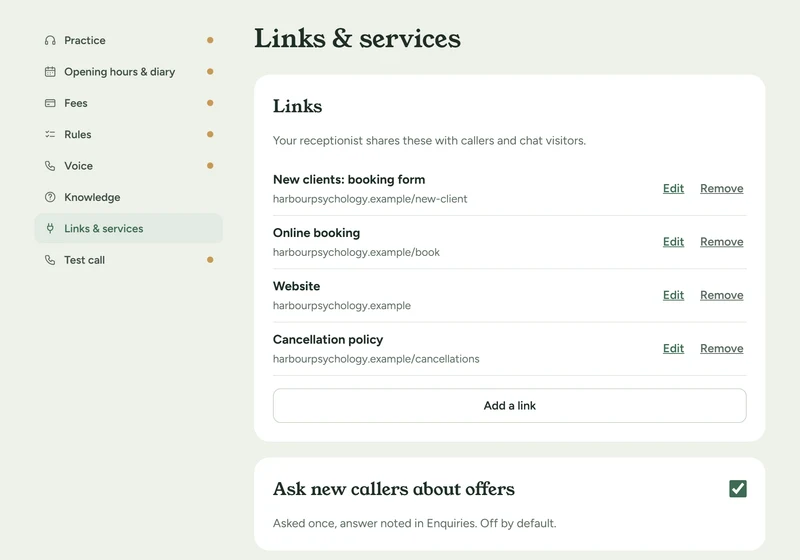
Example · made-up practice New-client form by text New callers who want an appointment are texted your new-client form straight away.
Add the form under Receptionist › Links & services. Clients add Medicare, referral and card details on your form, not on the phone. See how it works
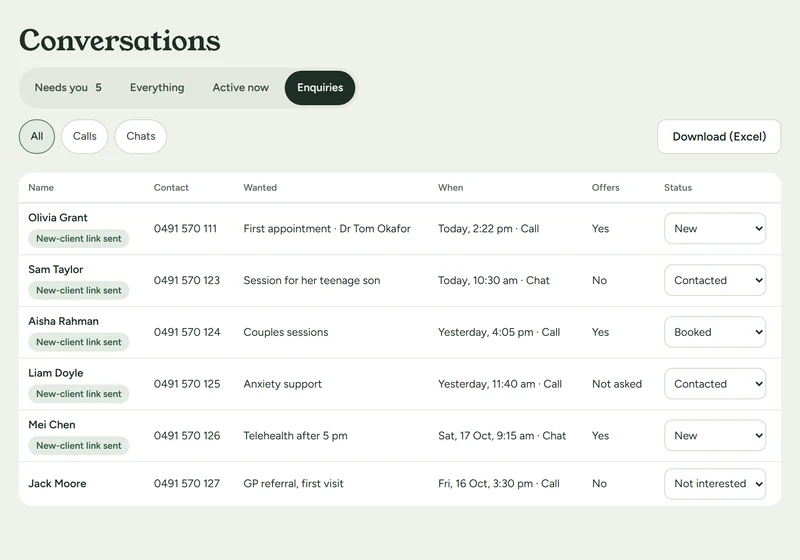
Example · made-up practice Enquiries list Everyone new who called or chatted wanting an appointment, in one list to follow up.
Mark each one Contacted, Booked or Not interested. Download it as a spreadsheet, with who is happy to hear about offers. See how it works
To your practice’s fax address
Subject 02 5550 0188
Attached referral.pdf
Example · made-up practice Fax by email Send a fax from your email: attach a PDF and put the fax number in the subject.
Your fax address is on the Fax page, and only your checked team can send to it. The first fax to a new number waits until the sender confirms it. See how it works
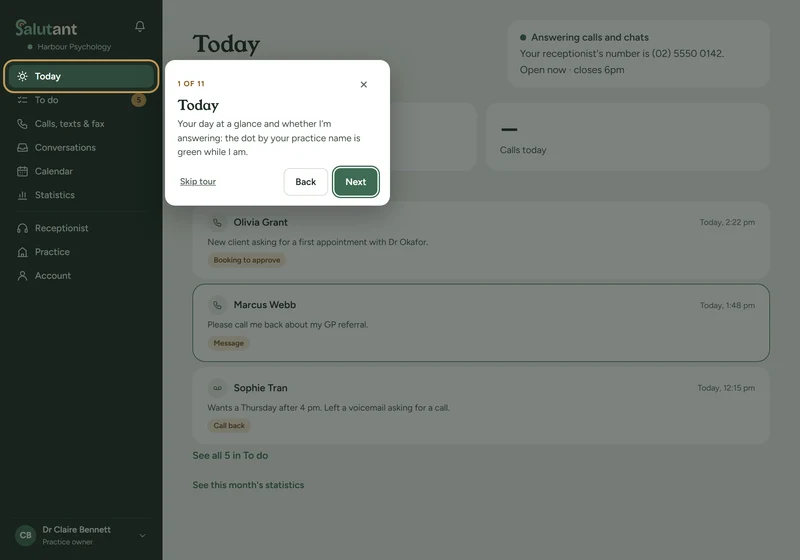
Example · made-up practice Welcome tour A short tour shows you around the first time you sign in.
One sentence a stop, only for the areas your login can open. Replay it any time from your name menu. See how it works
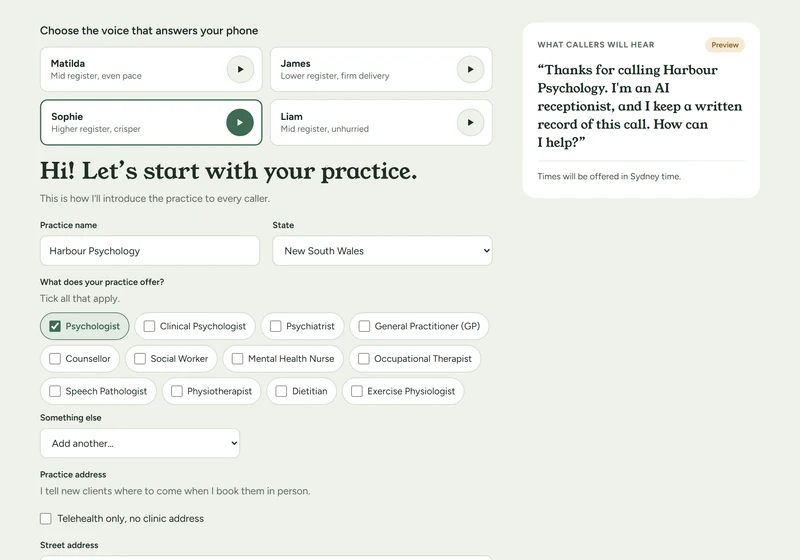
Example · made-up practice Voice-first setup Pick your receptionist’s voice first, and hear it from the first setup screen.
Each setup step can read its question aloud in that voice. It only plays after you tap, and remembers if you mute it. See how it works
 Example · made-up practice